家庭自动化系统搭建指南:从零开始打造智能家居中控
想象一下,当你下班回家,灯光自动调到舒适亮度,温度已调节到最宜人的状态,喜欢的音乐轻轻响起。这不是科幻电影,而是触手可及的智能家居体验。随着技术的普及,搭建一个适合自己的家庭自动化系统已经不再是技术专家的专属领域。本文将带你一步步了解如何从零开始打造属于自己的智能家居中控系统,让科技真正为生活服务。
选择合适的家庭自动化平台
在开始之前,我们需要选择一个适合自己需求的自动化平台。市面上有许多优秀的家庭自动化系统,各有特点,适合不同的用户群体。
主流平台比较
- Home Assistant - 开源免费,支持广泛设备,功能强大但有一定学习曲线
- OpenHAB - 开源强大,高度可定制,适合喜欢折腾的技术爱好者
- Hubitat - 本地运行,响应快,无需互联网连接
- SmartThings - Samsung生态系统,兼容性好,界面友好
- Homebridge - 让不支持HomeKit的设备接入苹果生态系统
对于初次接触家庭自动化的用户,我推荐从Home Assistant开始。它免费开源,社区活跃,支持数千种设备,且可以通过树莓派等设备本地运行,保护隐私安全。
安装Home Assistant
安装Home Assistant最简单的方式是在树莓派上运行:
bash
首先下载Raspberry Pi Imager工具
从官网下载并安装到电脑上
使用Imager写入Home Assistant OS到SD卡
选择"Raspberry Pi (other)" > "Raspberry Pi OS (other)" > "Home Assistant OS"
写入完成后,将SD卡插入树莓派,连接网络并启动
首次启动后,访问http://homeassistant.local:8123完成初始设置
``n 安装完成后,你将拥有一个功能强大的家庭自动化控制中心。
连接智能设备
家庭自动化的核心在于连接和控制各种智能设备。下面介绍如何将常见的智能设备接入你的系统。
照明系统
飞利浦Hue、Yeelight等智能灯泡是最容易入门的智能家居设备:
yaml
在configuration.yaml中添加
light:
- platform: hue host: 192.168.1.100 # Hue桥接器的IP地址
或者通过MQTT连接
light:
- platform: mqtt name: "客厅灯" state_topic: "homeassistant/living_room_light/state" command_topic: "homeassistant/living_room_light/set" brightness_topic: "homeassistant/living_room_light/brightness" brightness_scale: 254 schema: "" ``n
温控系统
智能恒温器是节能的好帮手:
yaml climate:
- platform: mqtt name: "客厅恒温器" state_topic: "thermostat/living_room/state" temperature_topic: "thermostat/living_room/temperature" humidity_topic: "thermostat/living_room/humidity" current_temperature_topic: "thermostat/living_room/current_temperature" min_temp: 10 max_temp: 30 target_temp: 22 temp_step: 0.5 mode_command_topic: "thermostat/living_room/mode" modes: ["off", "heat", "cool", "auto"] ``n
安全系统
门窗传感器和摄像头可以组成基础安防系统:
yaml sensor:
- platform: mqtt state_topic: "binary_sensor/front_door/state" name: "前门传感器" value_template: "{{ value }}" device_class: "door"
camera:
- platform: ffmpeg
name: "前门摄像头"
input: "rtsp://username:password@192.168.1.101:554/stream"
``n
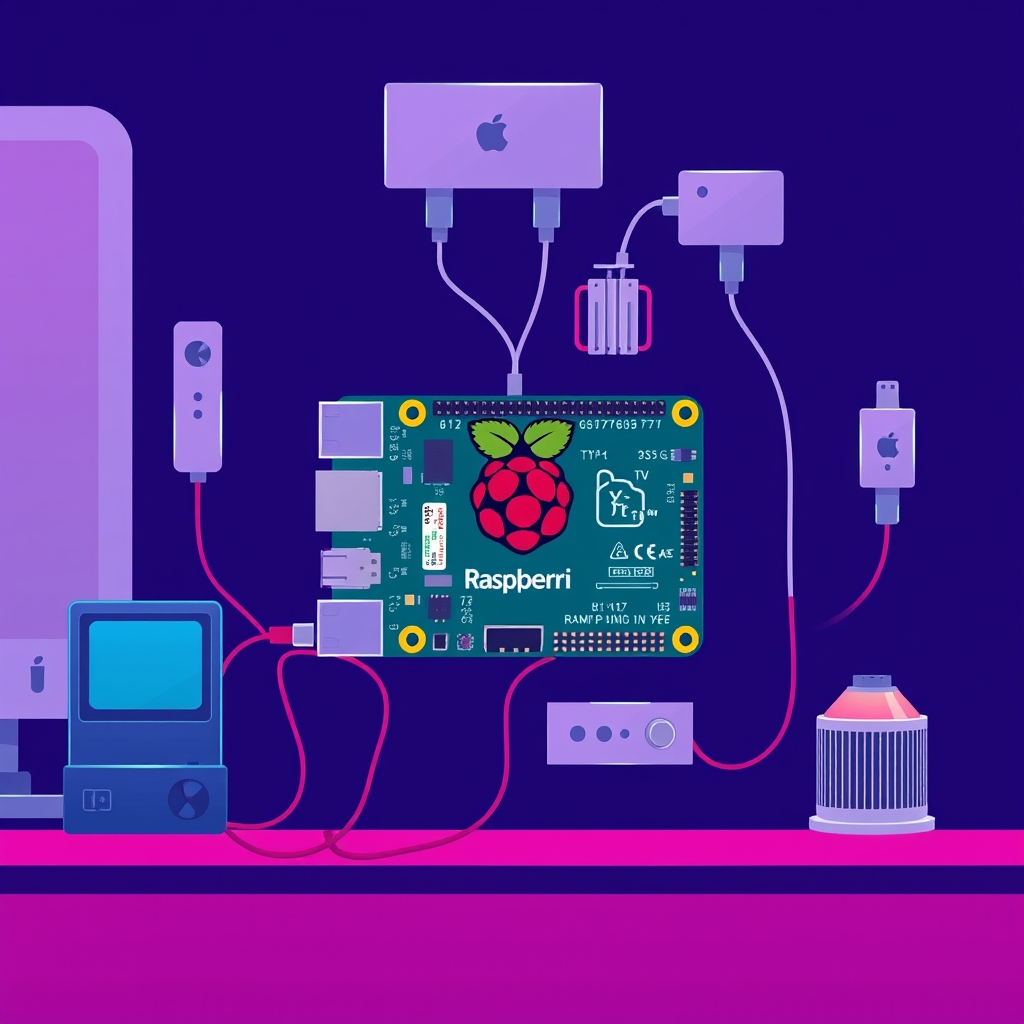
树莓派控制中心
创建自动化场景
设备连接完成后,最有趣的部分来了——创建自动化场景,让设备智能协同工作。
基础自动化示例
以下是一些实用的自动化场景示例:
yaml
回家场景
automation:
- id: 'home_coming_scene'
alias: '回家场景'
trigger:
- platform: state entity_id: person.my_location to: 'home' action:
- service: light.turn_on entity_id: light.living_room
- service: climate.set_temperature data: entity_id: climate.living_room temperature: 22
- service: media_player.turn_on entity_id: media_player.speaker data: entity_id: media_player.speaker source: "music"
离家场景
automation:
- id: 'leaving_home_scene'
alias: '离家场景'
trigger:
- platform: state entity_id: person.my_location to: 'not_home' action:
- service: light.turn_off entity_id: group.all_lights
- service: climate.set_temperature data: entity_id: climate.living_room temperature: 18
- service: lock.lock entity_id: lock.front_door
``n
高级自动化技巧
使用Python脚本创建更复杂的自动化逻辑:
python
在custom_components/automation_scripts/中创建energy_monitor.py
import logging from datetime import datetime from homeassistant.util.dt import now from homeassistant.core import HomeAssistant
_LOGGER = logging.getLogger(name)
async def async_energy_monitor(hass: HomeAssistant): """监控家庭能源使用情况""" energy_usage = 0
# 获取所有智能插座的当前功耗
for entity_id in hass.states:
    if entity_id.startswith('sensor.') and 'power' in entity_id:
        state = hass.states.get(entity_id)
        if state and state.state != 'unavailable':
            try:
                power = float(state.state)
                energy_usage += power
            except ValueError:
                continue

# 如果总功耗超过阈值,发送通知
if energy_usage > 1000:  # 1kW阈值
    hass.services.call(
        'notify',
        'mobile_app_phone_name',
        {
            'title': '高能耗警告',
            'message': f'当前家庭能耗已达到{energy_usage:.1f}W,请检查设备运行状态。'
        }
    )
``n
拓展与优化
随着系统的发展,你可能会需要进一步拓展功能和优化性能。
添加语音助手
将Home Assistant与语音助手集成是提升用户体验的关键:
yaml
configuration.yaml中添加
conversation:
安装语音组件
python_script:
在UI中配置语音助手
通过HACS安装Google Assistant集成或Amazon Alexa集成
``n
数据可视化
使用Grafana创建家庭数据看板:
python
创建传感器数据记录
recorder: db_url: !secret recorder_db_url exclude: entities: - sensor.pir_kitchen_motion - sensor.pir_living_room_motion - sensor.pir_bedroom_motion - sensor.pir_bathroom_motion ``n 通过Grafana连接数据库,可以创建能耗、温度变化等数据的可视化图表。
系统备份与恢复
定期备份配置至关重要:
bash
备份Home Assistant配置
sudo rsync -a /config /path/to/backup/location
创建备份脚本并设置为定时任务
在crontab中添加:0 2 * * 0 /path/to/backup_script.sh
``n
结语
家庭自动化系统不仅能提升生活品质,还能通过智能控制节约能源、增强家庭安全。虽然搭建过程需要一定的时间和耐心,但看到各个设备按自己的意图协同工作,那种成就感是无与伦比的。从简单的灯光控制到复杂的场景联动,家庭自动化世界充满了无限可能。希望本指南能帮助你迈出智能家居的第一步,开始打造属于你的智能生活空间。记住,家庭自动化是一个持续进化的过程,随着你对系统了解的深入,它会越来越贴合你的生活方式。